www.vidmate-download.com

VidMate YouTube

VidMate is an All-in-One YouTube Download App

VidMate gives Android users a simpler way to save YouTube videos for offline viewing without turning the process into a string of extra tabs, pop-ups, and retries. It is built for the everyday moments when you want your videos ready before you leave home, lose signal, or start a long commute.

Open the video you want, choose the quality that fits your phone, and save it for later. That easy flow is what makes VidMate YouTube feel useful for daily watching in India and just as practical for people in other countries who want smoother offline playback.

Android-first YouTube saving flow HD choices with lighter formats too Built for India-first routines and global users
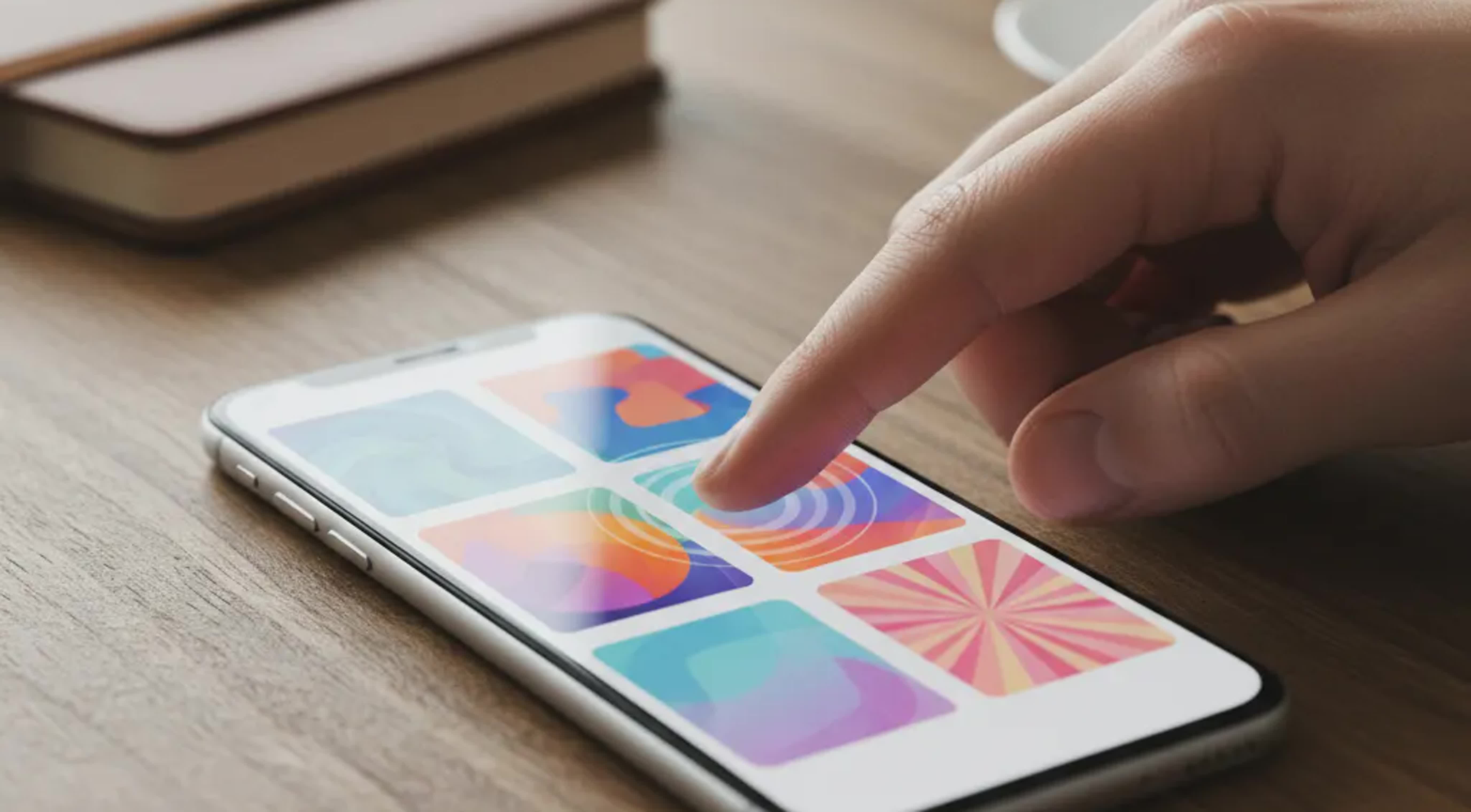
Photorealistic Indian Android user saving YouTube videos with VidMate in a warm editorial scene

Who VidMate YouTube is really for

VidMate YouTube works best for people who have a clear offline routine in mind. Instead of trying to do everything for everyone, it fits the moments when saving a video ahead of time makes the rest of the day easier.

Who is this for

  • Android users who want one repeatable path for saving YouTube videos before commuting, traveling, or moving into low-signal areas.
  • Students and tutorial watchers who rewatch explainers often and prefer downloading once instead of buffering through the same lesson again.
  • Viewers balancing storage and quality who want flexible file choices instead of one fixed download output.
  • People who prefer an app-based routine over generic browser tools that feel inconsistent across sessions.

Who is this not for

  • Users expecting a desktop-first workflow, because VidMate is primarily designed around Android behavior and touch interactions.
  • People looking for a copyright workaround or redistribution tool, since content use still depends on permissions and platform rules.
  • Users who want a no-install browser utility only, rather than an integrated mobile app experience.

How to download YouTube videos using VidMate

The Android flow below is short, clear, and easy to repeat. Once the app is installed, saving a video only takes a few taps, which is exactly what makes the routine feel convenient over time.

1

Install the latest VidMate app

Tap the official download button, get the current APK, and complete setup on Android so the app is ready for everyday YouTube saving.

2

Open the YouTube video you want offline

Choose the clip, lesson, music video, or long-form watch you want to keep available when your connection drops.

3

Pick the format that fits your plan

Select a lighter file when storage matters more, or choose a sharper option when you want better playback quality on a larger screen.

4

Save and return anytime

Finish the download once, then come back to it anytime without depending on buffering or unstable mobile data.

Step-by-step Android visual for downloading YouTube videos with the VidMate app

Watch the VidMate YouTube flow in motion

Why VidMate YouTube feels easier than generic download paths

What makes VidMate stand out is not just that it can save a video. It is that the whole process feels clean, familiar, and easy to repeat, which matters much more than a one-time workaround when offline viewing is part of your routine.

One app instead of scattered steps

VidMate keeps discovery, quality choice, and download management closer together, so repeat use feels more natural than hopping across generic web tools.

Flexible quality for real devices

Whether you need a compact save or a clearer watch later, VidMate gives you room to balance storage, data, and screen quality.

Made for everyday offline viewing

From music sessions to tutorials and short entertainment clips, the app fits the way people naturally build an offline library over time.

Better for repeat routines

People who save videos often need consistency. VidMate keeps the process familiar, so the second, tenth, and hundredth download do not feel confusing.

Android-first clarity over guesswork

Instead of chasing unknown online tools, VidMate gives Android users a more stable, app-led path that is easier to understand and revisit.

Friendly to first-time users

Even for first-time users, the learning curve stays approachable because the main actions are visible, direct, and easy to remember.

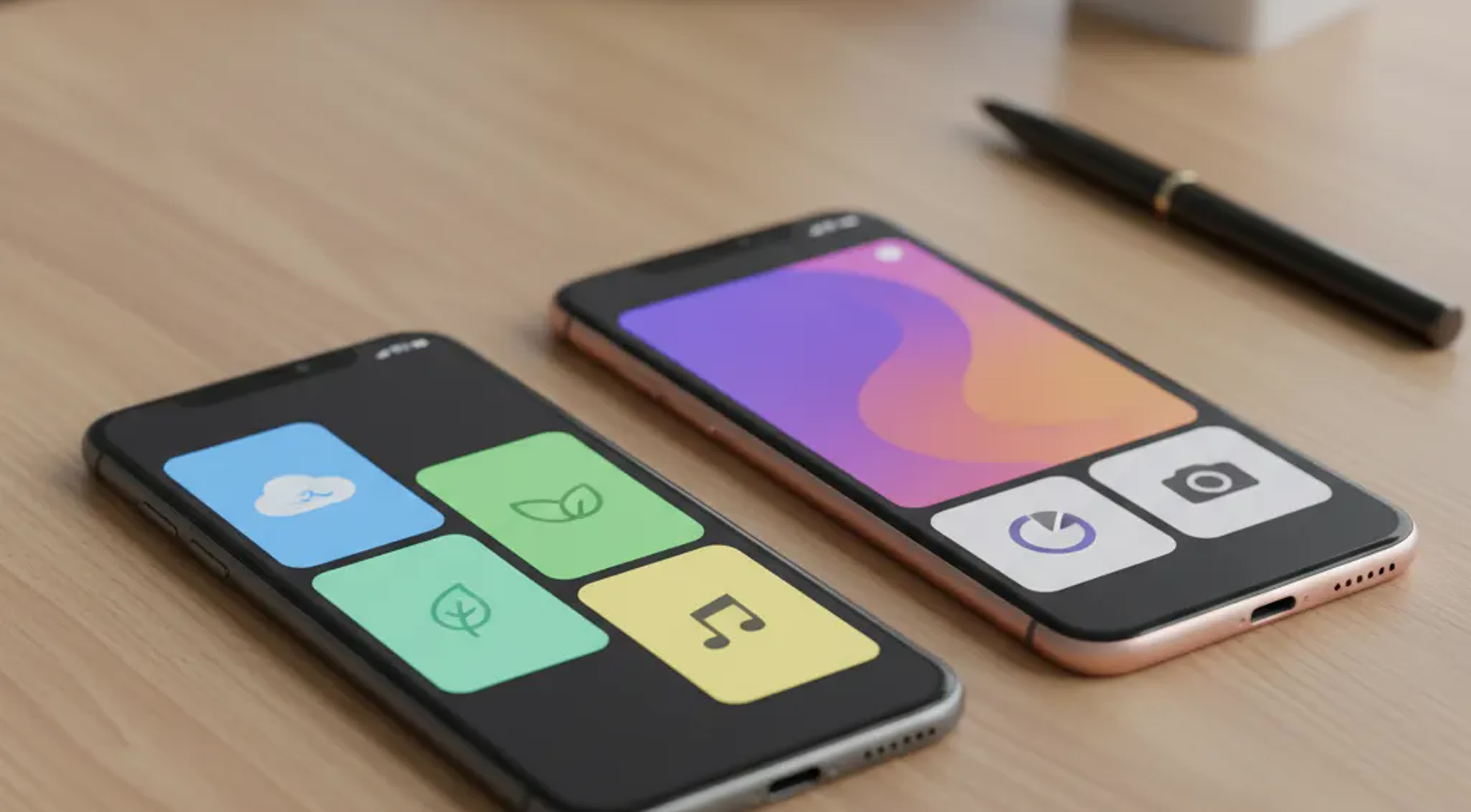
Editorial VidMate YouTube interface collage showing quality choice and offline video library

VidMate YouTube vs generic online downloaders

The real difference is not just whether a file can be saved. It is whether the full experience feels dependable enough to use again tomorrow, especially on Android when offline viewing is part of everyday life.

What matters VidMate YouTube Generic online downloaders
Primary environment Built around Android app behavior and repeat mobile use Often browser-first and less comfortable on repeat mobile sessions
Quality choice Designed to make file-size and quality tradeoffs easier to choose Choices can feel inconsistent or too hidden
Offline routine Suited for commuting, study playback, and saved watch-later habits More useful as occasional one-off downloads
Return visits Better for people who save content often and want a familiar path Can require rediscovering the same process each time

VidMate works best as an Android-centered alternative for users who value repeatable offline habits more than one-time browser convenience.

Where VidMate YouTube fits real life best

Offline saving becomes most useful when streaming is inconvenient, unreliable, or simply too repetitive. These are the everyday situations where VidMate YouTube feels less like a workaround and more like a practical habit.

Commutes with weak or expensive data

Download before you leave and keep songs, shorts, and long videos ready for trains, buses, rideshares, and signal drops.

Learning loops and tutorial replay

Save explainers once, then pause, replay, and revisit them whenever you need without waiting for the same stream to load again.

Shared family entertainment

Keep favorite videos on hand for family viewing, language learning, devotional content, and kid-friendly repeat watching on the same device.

Why users keep trusting the VidMate route

This page does not rely on inflated numbers or invented testimonials. The strongest reputation signals here are practical ones: the product focus, the Android-first flow, and the fact that VidMate already serves multilingual users with a download-first use case.

Android-first

Designed around the device people actually use

VidMate is built around Android behavior, which makes the experience feel more direct and repeatable for people who mostly watch and save videos on their phones.

Multilingual reach

Localized for India and beyond

The broader site already supports many language routes, showing that the product is shaped for Indian users first while remaining accessible to global audiences.

Practical value

Focused on offline convenience, not gimmicks

The value story is simple and believable: faster saving, easier rewatching, and less friction when connectivity is not dependable.

The evening download habit that gave Aarav his calm back

Photorealistic Indian commuter relaxing with saved YouTube videos on VidMate

Aarav lives in Bengaluru and spends too much of his week in motion. Metro rides, delayed cabs, and long waits between work and home used to turn his favorite YouTube channels into a frustrating game of buffering, skipping, and giving up halfway through a video he genuinely wanted to watch.

One night, after another stalled tutorial during a crowded ride, he decided to change the routine instead of tolerating it. He installed VidMate, saved a few videos before bed, and noticed the difference the very next day. The commute did not become shorter, but it felt lighter. The content was ready, the playback was smooth, and the stress of chasing a connection was gone.

Now he treats offline saving like a small act of preparation. A few taps at home give him music, explainers, and favorite clips whenever the day turns unpredictable. For Aarav, VidMate YouTube is not about downloading for the sake of it. It is about holding onto a little control when the rest of the day keeps moving.

FAQs About VidMate YouTube

How to download youtube videos using vidmate?

Install the latest VidMate APK on Android, open the YouTube video you want, choose the quality or format that fits your needs, and save it for offline playback.

Can vidmate be used to download youtube videos?

VidMate is commonly used by Android users who want an app-based YouTube download flow. The best experience is mobile-first, with download choices built around repeat offline viewing.

Can vidmate content be used in youtube video?

That depends on the rights attached to the content. Downloading a file for personal offline use is different from republishing or reusing media in a new video, so permission and platform rules still matter.

How to download vidmate for pc youtube?

VidMate is primarily designed for Android, not as a PC-first downloader. Some users explore emulator-style setups, but the intended and clearest experience remains mobile.

Build your YouTube offline routine the simple way

Download VidMate now and turn everyday YouTube viewing into a smoother Android habit with fewer pauses and more control.